Press Kit
Everything you need to write about World Time Widget, in one place.
At a glance
- Platform
- iPhone, iPad, Apple Watch
- Category
- Utilities
- Price
- Free, with an optional Premium Club subscription
- Launched
- 2014
- Lifetime downloads
- 1 million+
- Rating
- 4.7 from 63,474 ratings
- Languages
- English, French, German, Spanish
- Press contact
- [email protected]
In a nutshell
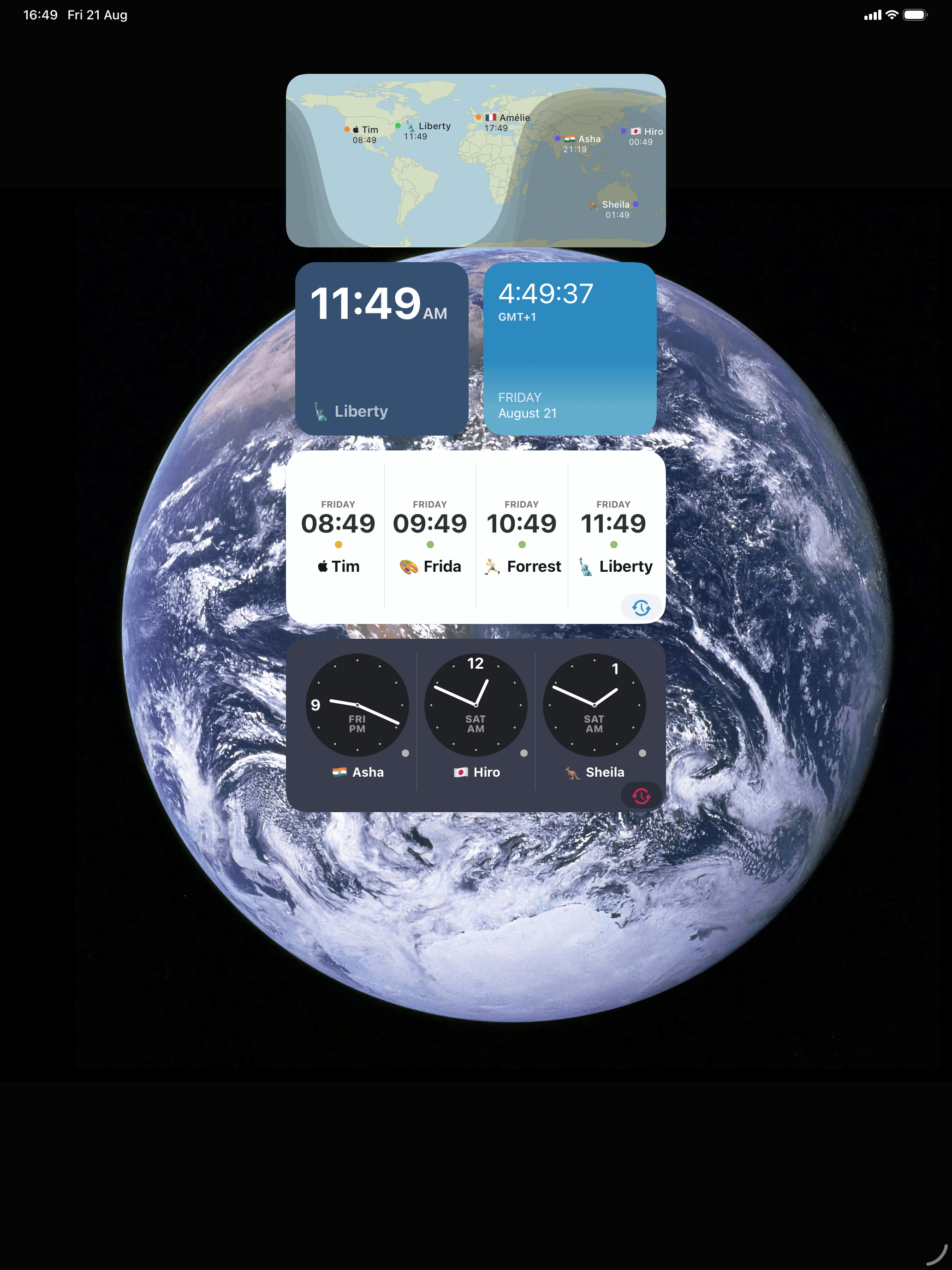
World Time Widget is a world clock for the people in your life. You put the cities that matter to you on your home screen, lock screen, StandBy and Apple Watch, and you can see at a glance whether it is a good time to say hi.
It launched alongside iOS 8 in 2014, has passed a million downloads, and Apple has featured it several times since. Every clock shows whether it is day or night where that person is, so you know before you text. Clocks take your own labels, so the screen reads “Mum in Sydney” or “Berlin office” rather than a list of airport codes. When a call has to work in three places at once, there is a time zone calculator built in.
New in iOS 27
Coming this autumn.
Talk to Siri
Four things to ask for, and more than one way to ask for the calculator. To Siri, the app answers to “World Clock”.
| Say this | What happens |
|---|---|
| “Hey Siri, add a city to World Clock” | Siri asks which city. Say “Reykjavík” and it comes back with “Added Reykjavík to your clocks.” The app never opens. |
| “Hey Siri, compare times in World Clock” | Siri asks for two cities, then answers “Tokyo is 9 hours ahead of London” and shows a card with both. Also runs in the background. |
| “Hey Siri, timezone calculator in World Clock” | Opens the app straight into time-shift mode. “Meeting planner”, “timezone difference”, “timezone maths” and “time travel mode” all get you to the same place. |
| “Hey Siri, open a clock in World Clock” | Siri asks which of your saved clocks you mean, then opens it. |
Phrases are localised, not translated, each using the app’s name in that language: on a German phone, “Zeitzonenrechner in Weltzeituhr”.
Onscreen awareness for Apple Intelligence
Your clocks and search results now tell the system what they are, so Siri can refer to what is on screen without you naming it.
A new iPad design that moves with the window
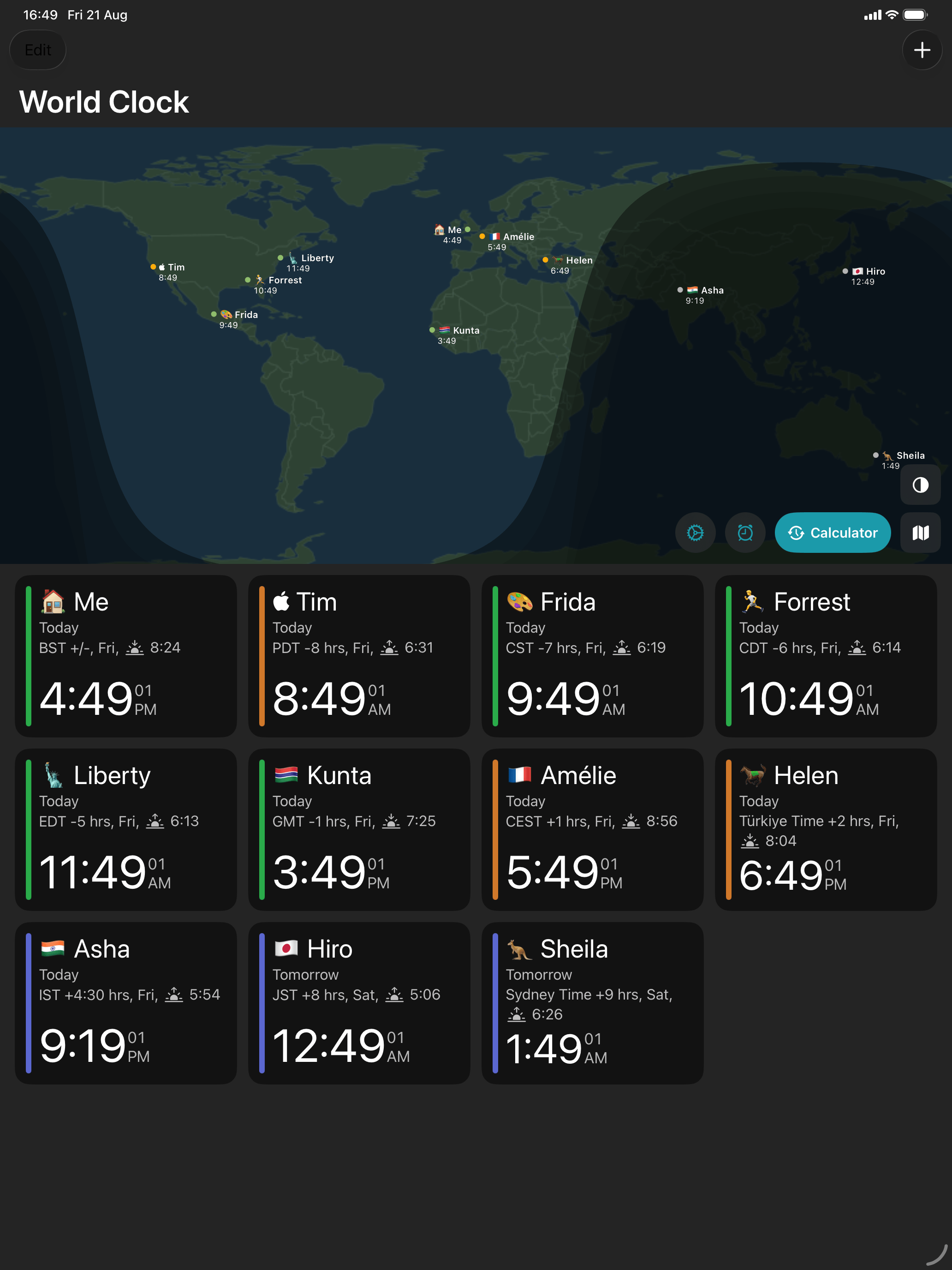
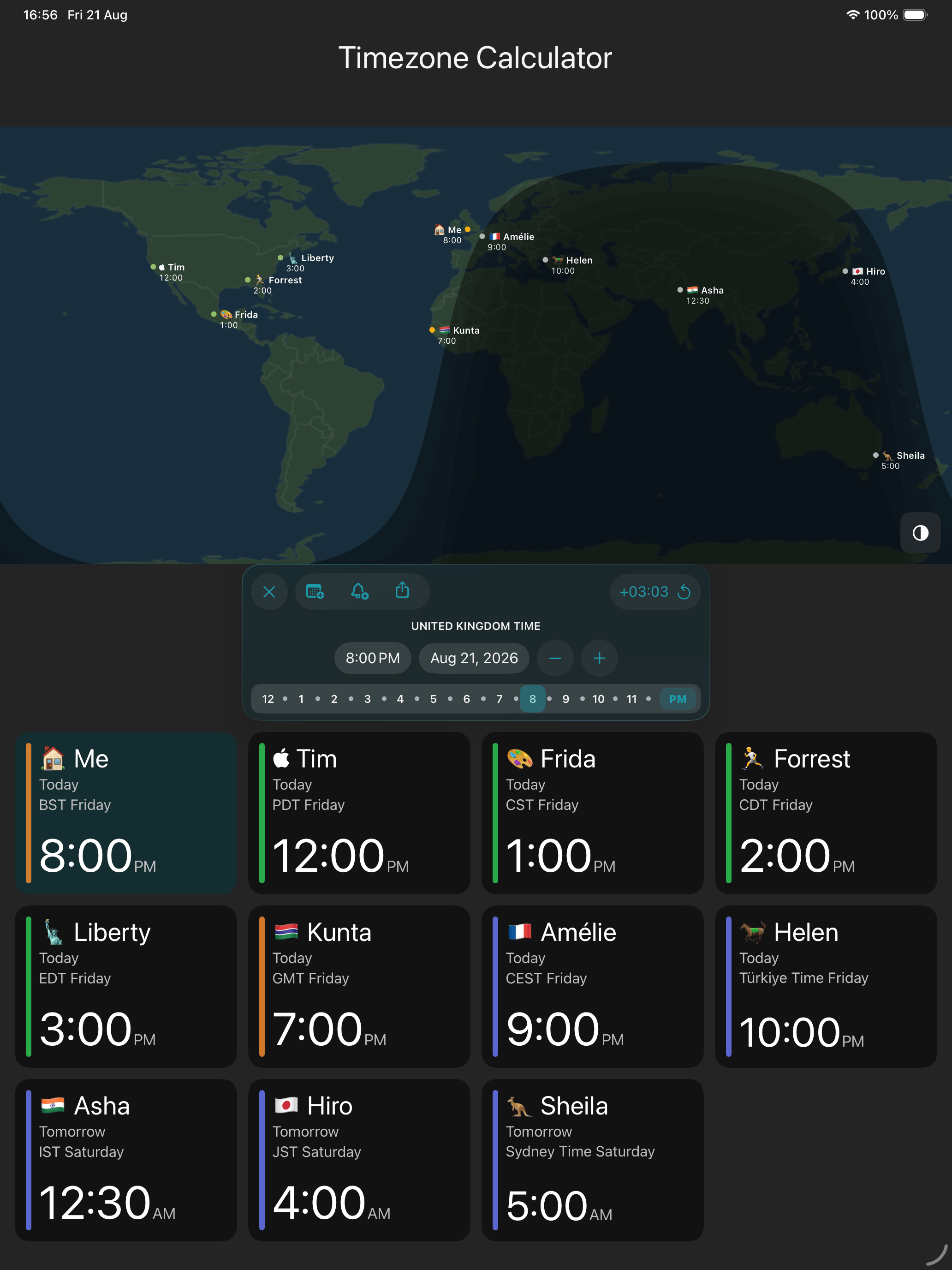
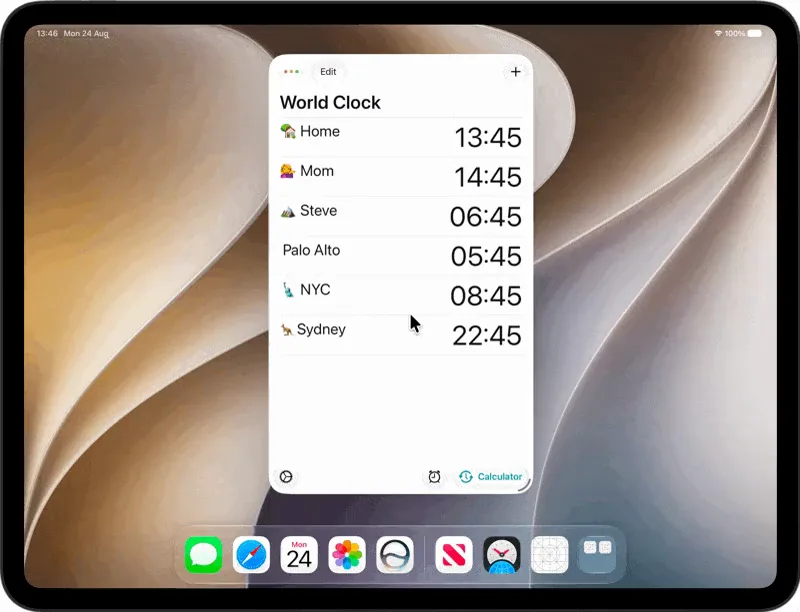
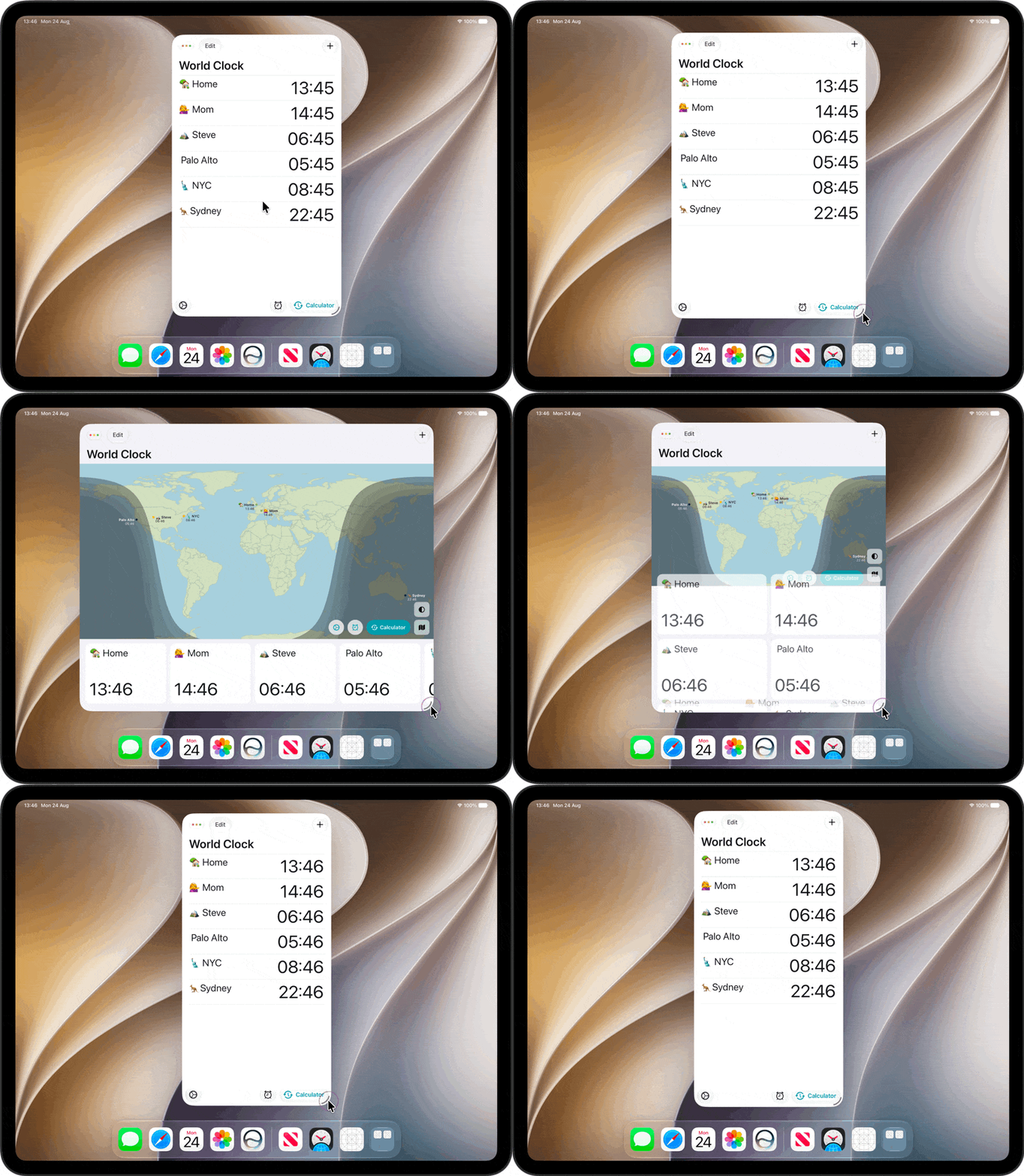
A world map with your clocks below it: a wrapping grid in portrait, a sideways strip in landscape. The layout reflows as the window changes, so it works the same in Split View or Stage Manager as it does full screen.
If you would like a build before release, get in touch.
Why another world clock
Apple ships a Clock app on every iPhone, so it is a fair question.
Your own labels. “Charlie deployed” tells you more than “Honolulu” does.
Add Anywhere. You don’t need to know what timezone the place you are looking for is in, just search for the city, town,village or hamlet and we’ll find the time.
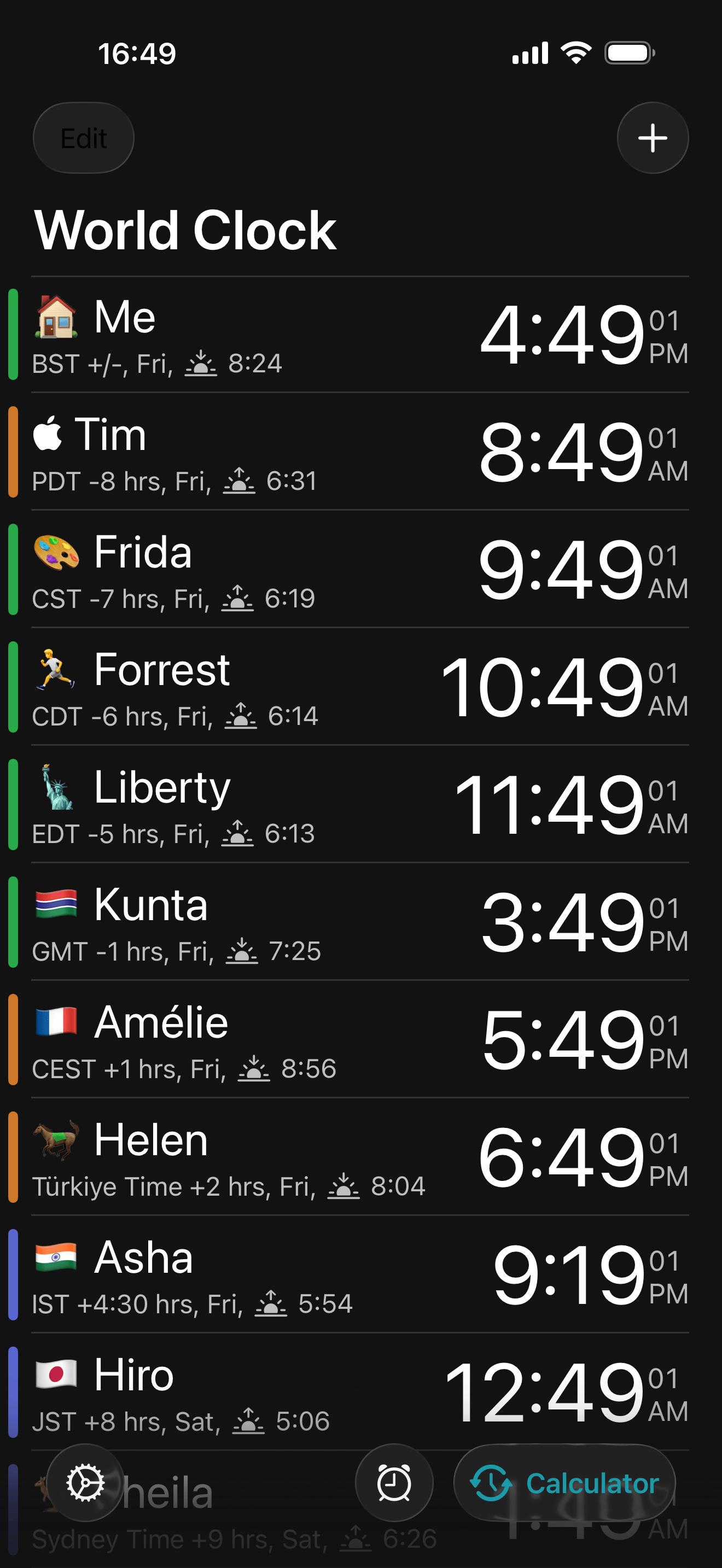
Day and night on every clock. You see whether it is 2pm or 2am where your people are, not just a number you have to interpret.
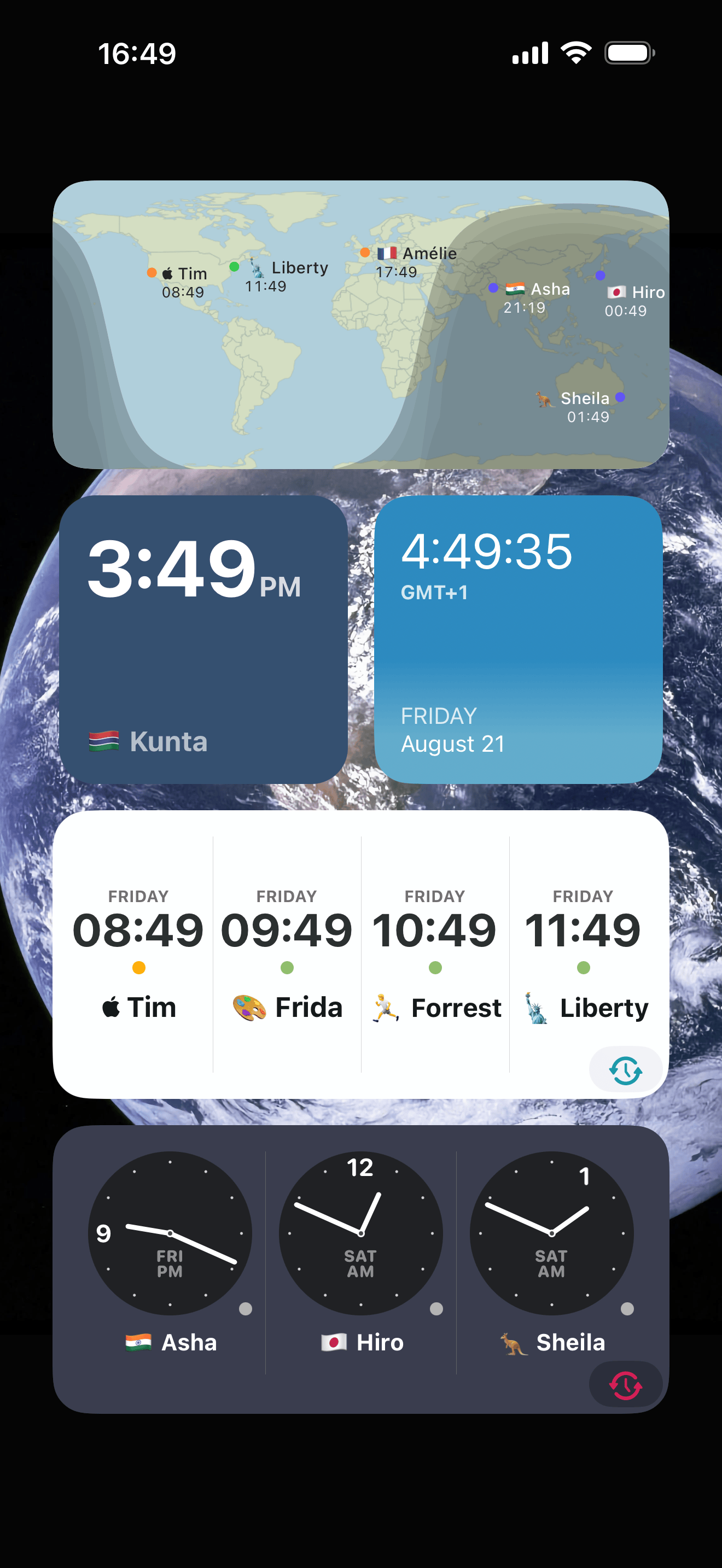
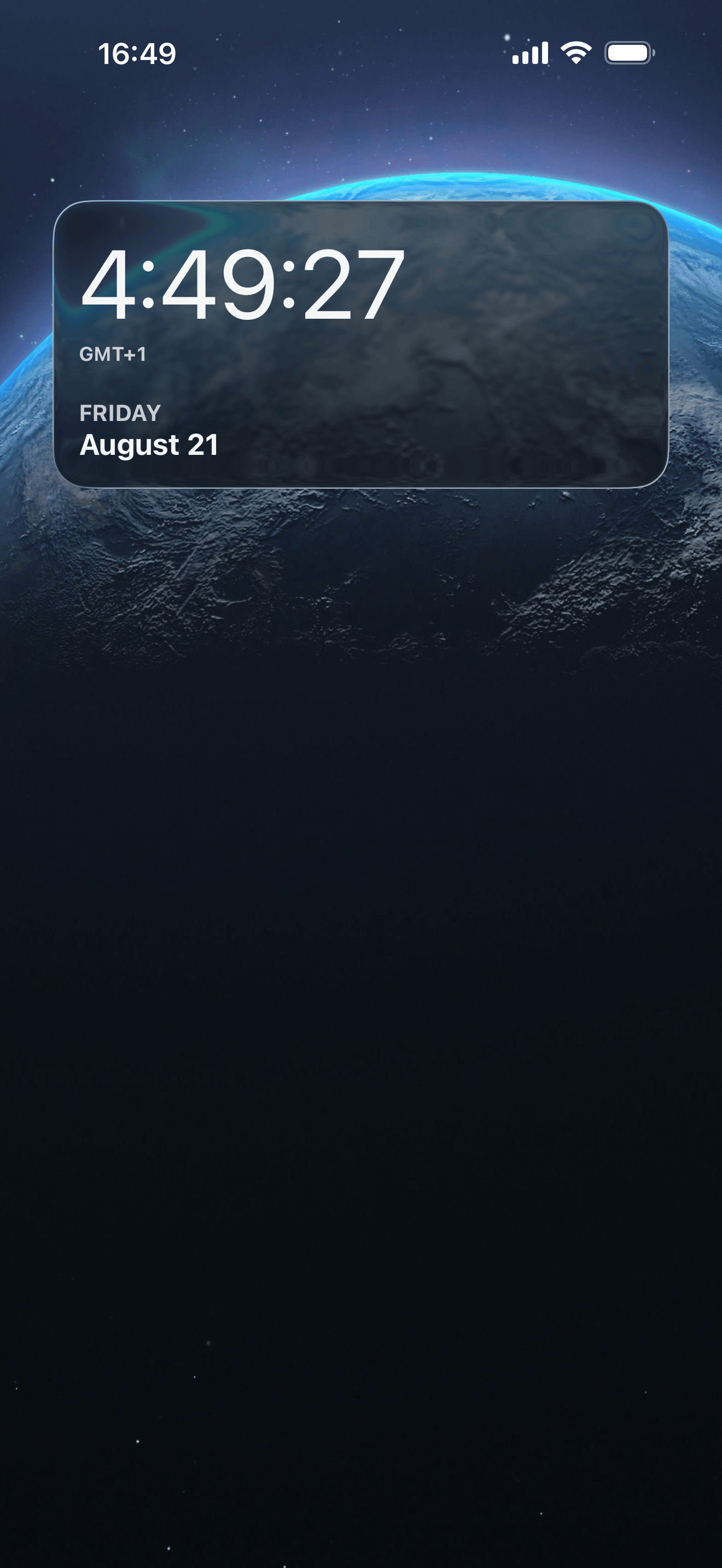
Widgets on every surface. Home screen, lock screen, StandBy, and an Apple Watch complication.
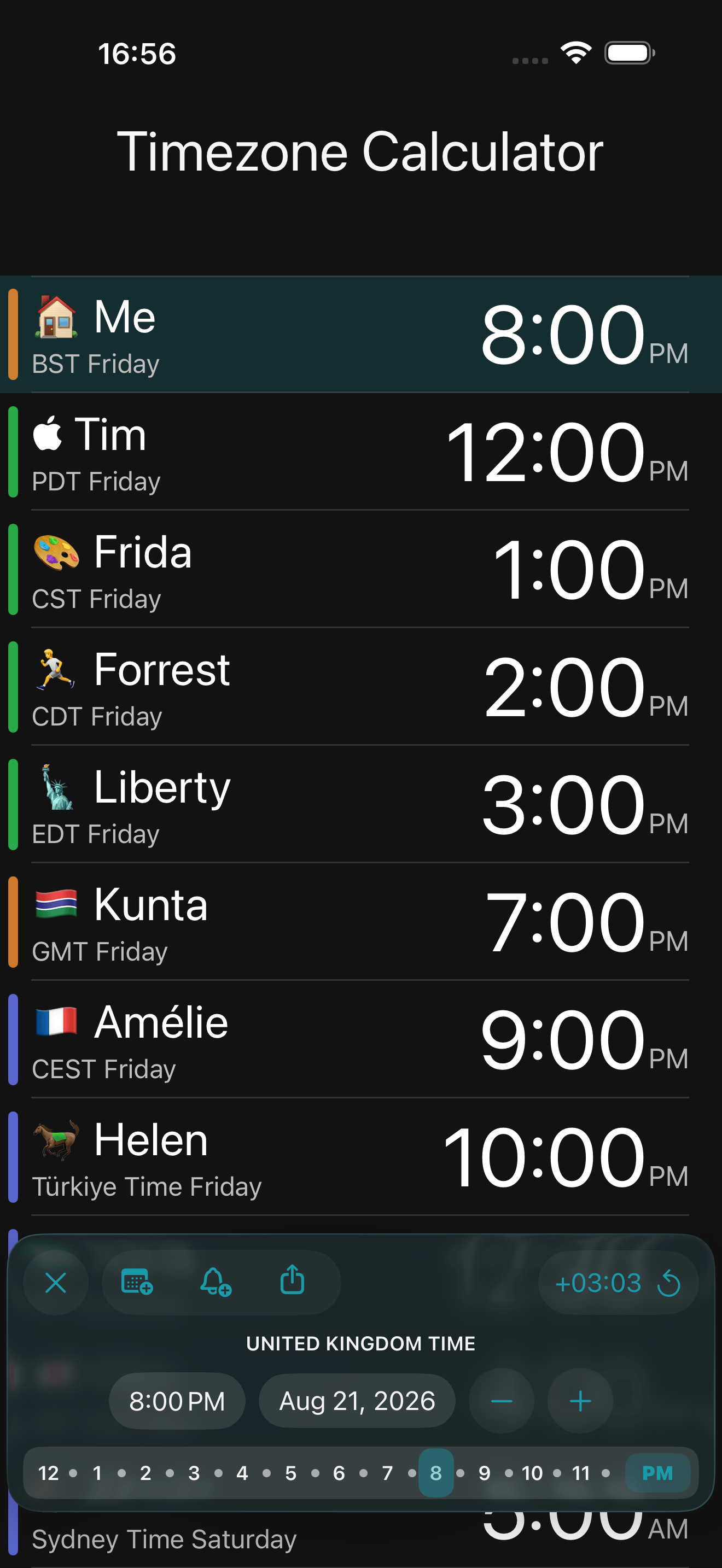
A time zone calculator. Move a meeting time and watch what it does to everyone else’s day.
Easy. When we surveyed our users, “easiest to use” was the single most common reason people gave for choosing it.
Features
- See the time to the second
- Clocks for anywhere worldwide, with automatic daylight saving adjustment
- Custom labels for each clock
- Home screen, lock screen and StandBy widgets
- Apple Watch app and complications
- Day and night state on every clock
- 12 or 24 hour display, and seconds if you want them
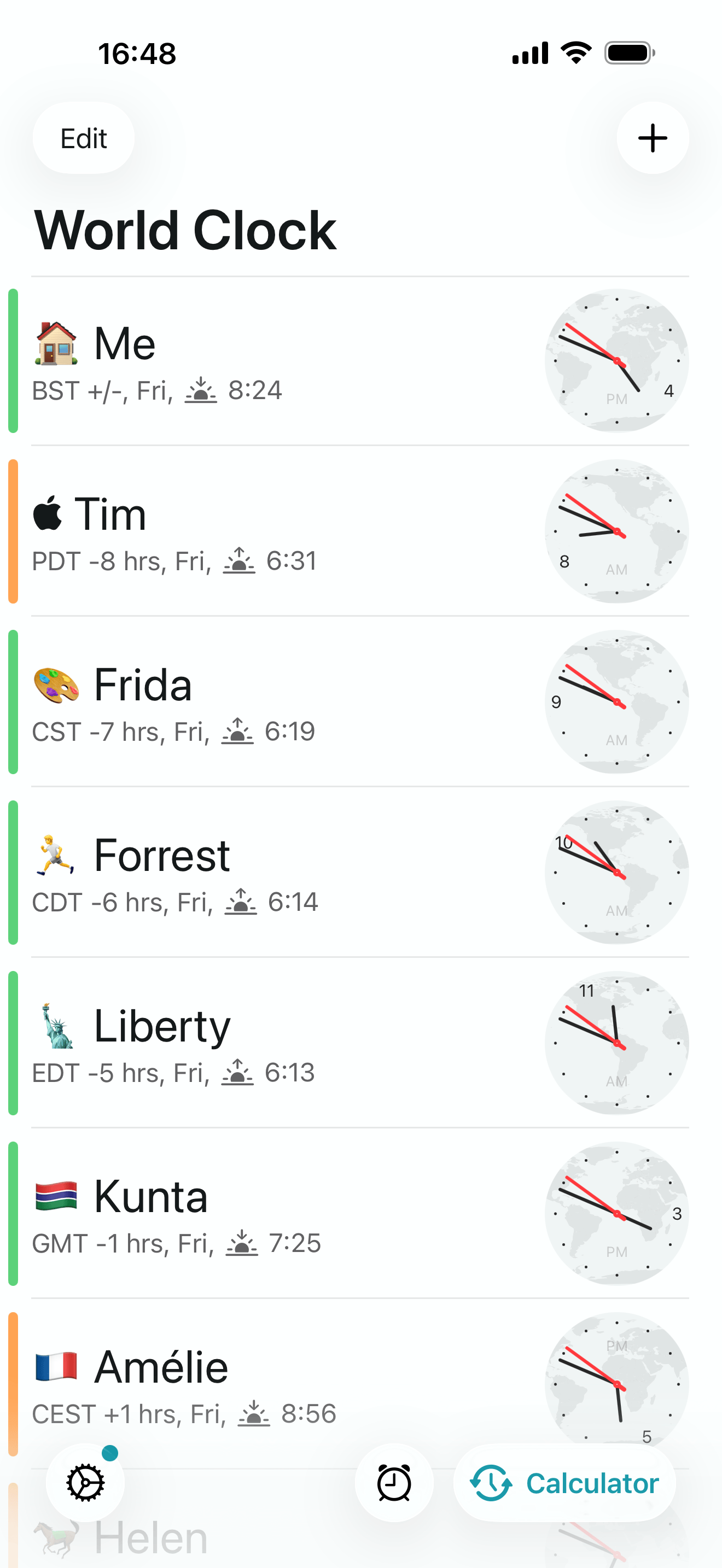
- Analog or digital faces
- iCloud sync, so your clocks follow you between devices
- Time travel, to see what a moment looks like everywhere at once
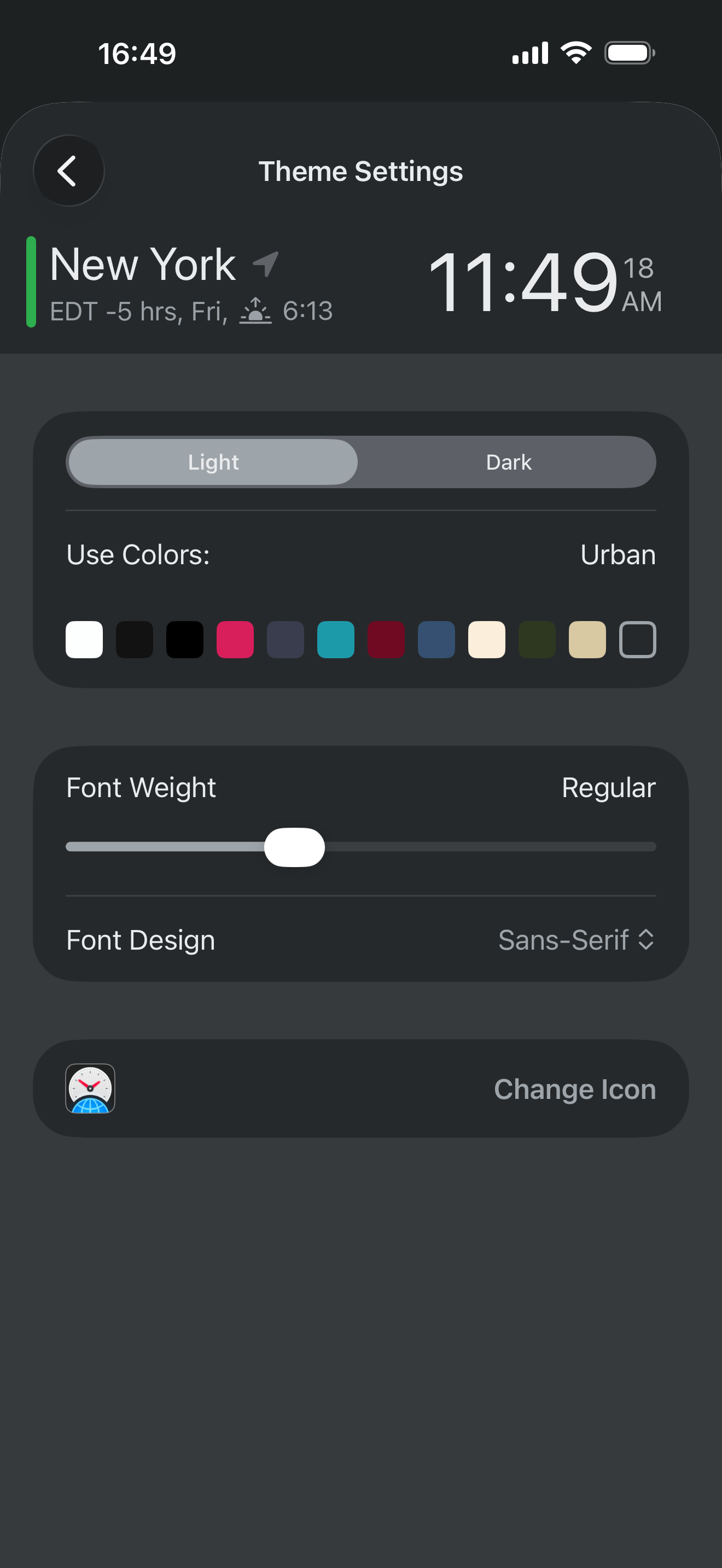
- Beautiful themes for the widgets and the main app
Privacy
There is no account, and no sign up. Your clocks live in your own iCloud, not on our servers. We do not track you and we do not sell anything about you. The app earns its spot on your home screen by being useful and then getting out of the way.
Featured by Apple
- Utilities, Apps We Love (US)
- Cool Clocks and Timers (US)
- Enhanced for 3D Touch (US)
- Best New Apps (UK)
- Federico Viticci’s My Must-Have iPhone Apps, MacStories
About Lewis

World Time Widget is made by Lewis Smith, a full time indie developer based in the UK, who has been building iPhone apps since 2012. He went full time indie in 2017 and looks after development, design and marketing himself. Holly handles customer support, also from the UK.
Alongside World Time Widget, Lewis makes Progress, a body measurement tracker that has been on the App Store since 2012, and Emoji Countdown, also featured by Apple, which counts down to the days you are looking forward to, each one pinned to a favourite emoji.
You can find more at lewis42.me and on LinkedIn.
What people say
App Store reviews, free to quote. Names are the reviewer's App Store handle, as shown on the listing.
I'm based in central time USA, have clients in UK and Europe. Could not do my job without this app.
I was in the military overseas. I remember getting phone calls at all hours of the day and night. This clock helps me not create that fear in the people I love.
My in-laws live in India and this helps me to know their time and not call or text in the middle of the night!
Screenshots and icon
These are free to use in articles, reviews and roundups about World Time Widget. Tap any screenshot to download the full resolution PNG.
iPhone
 Download PNG, 1320 × 2868
 Download PNG, 1320 × 2868
 Download PNG, 1320 × 2868
 Download PNG, 1320 × 2868
 Download PNG, 1320 × 2868
 Download PNG, 1320 × 2868
iPad
 Download PNG, 2064 × 2752
 Download PNG, 2064 × 2752
 Download PNG, 2064 × 2752
Get in touch
We're a small team, so your email reaches us directly. Whether you need a review copy, a quote, higher resolution assets or an answer to something that isn't on this page, we're happy to help.